Guide · 6 min read · Updated 2026-06-20
Robot Rental Checklist: Everything You Need Before Booking
Booking a robot for your event is straightforward, but a little planning upfront makes the difference between a good activation and a great one. This checklist covers everything you should confirm before you book: event goals, venue logistics, robot selection, budget, timeline, and day-of details. Print it, share it with your team, and check the boxes. By the time you hit /checkout, you will know exactly what you need.
Key takeaways
- Define your event goal, audience, and success metric before browsing robots.
- Confirm venue details: flat surface, clear area, power, Wi-Fi, load-in access, and indoor vs outdoor.
- Set your budget using day rates: $479-$1,279/day for dogs, $619-$2,049/day for hands, $3,399-$6,499/day for humanoids.
- Book three to four weeks ahead for humanoids and peak dates; one to two weeks may work for simpler activations.
- Every booking includes delivery, setup, on-site operation, and collection — your job is communication, not technical operation.
Define your event goals and audience
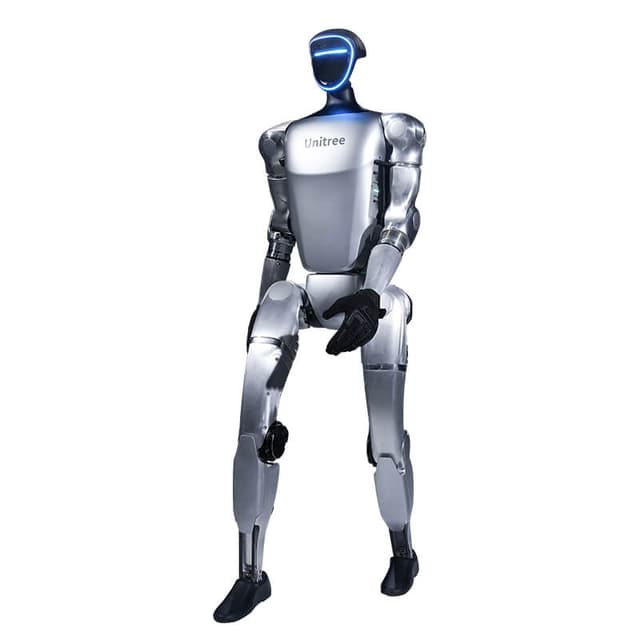
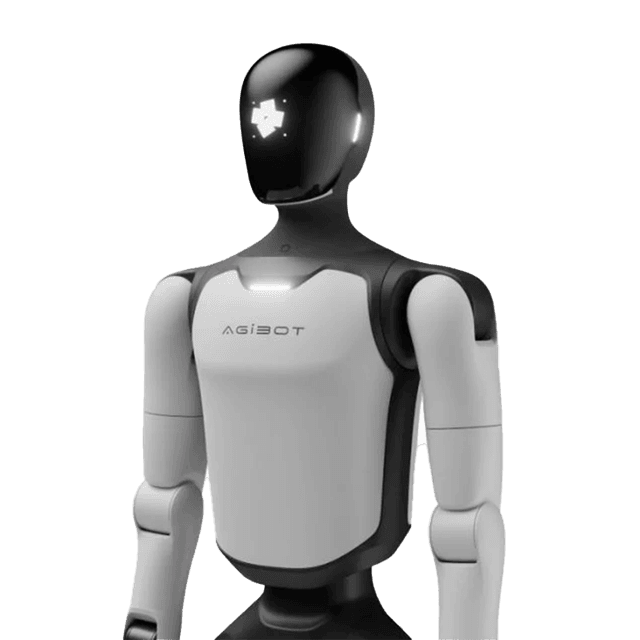
Before you browse robots, answer three questions. First, what is the robot's job? Is it a stage headliner, a crowd greeter, a photo-op anchor, a roaming spectacle, or a product demo assistant? The answer drives the model. Second, who is the audience? A tech-savvy conference crowd responds to the Unitree G1's ($3,499/day) acrobatic edge, while a general consumer audience gravitates toward the approachable AgiBot X2 ($3,399/day). Third, what does success look like? If it is social-media reach, optimize for shareable moments. If it is guest engagement, optimize for conversation and dwell time.
Writing these down before you browse the catalog keeps you from over-spending on a flagship when a robot dog would do the job, or under-spending on a value pick when the event needs a talking humanoid host. Match the robot to the moment, not the spec sheet.
Venue and logistics checklist
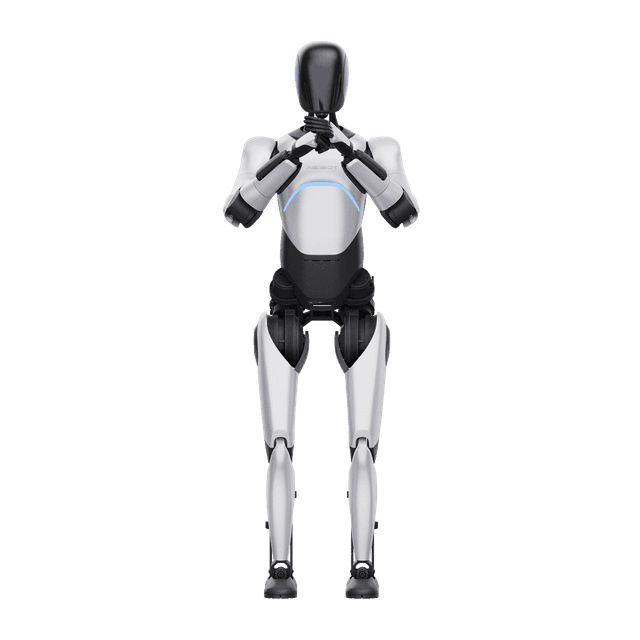
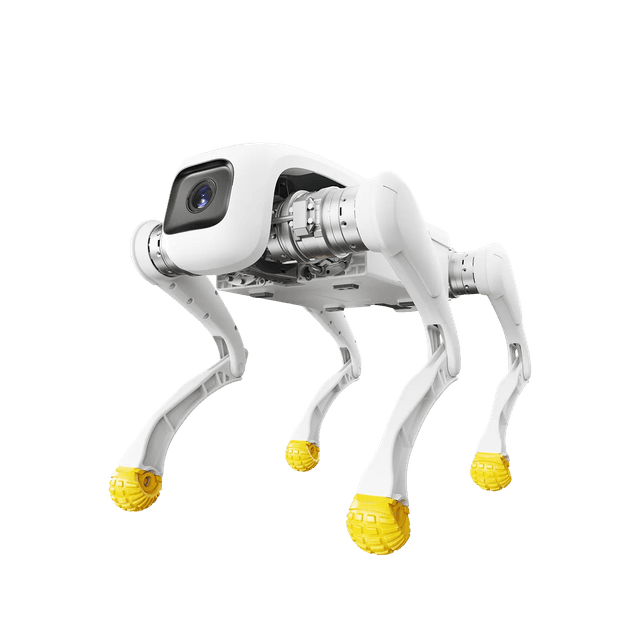
Your venue determines what robots can do. Confirm these items with your venue manager before booking. Floor surface: humanoids and robot dogs need a flat, level surface. Carpet, polished concrete, and hardwood all work. Gravel, sand, and steep inclines do not, unless you book the outdoor-rated D1 Ultra ($1,279/day). Clear performance area: full-size humanoids like the A3 (173cm) need a buffer zone for acrobatic moves. The compact X2 (131cm) and robot dogs work in tighter footprints.
Load-in access: confirm elevator or ramp routes from the loading dock to the performance space. The Unitree G1 folds to a suitcase, and the A3 fits in an SUV, but knowing the path matters. Power: standard venue power is sufficient for charging between sessions. Wi-Fi or cellular: reliable connectivity helps interactive features like the A2 Ultra's live Q&A and the X2's voice chat. Outdoor or weather exposure: if yes, plan for the D1 Ultra. Check all of these off before you book and share the answers with the Airbot team at checkout.
Budget and robot selection
Set your budget range and then match robots to it. Robot dogs run $479 to $1,279 per day: the D1 Pro ($479/day) for affordable tricks, the D1 Edu ($859/day) for custom-programmed routines, and the D1 Ultra ($1,279/day) for outdoor. Dexterous hands run $619 to $2,049 per day: the OmniHand 2025 ($619/day) for expos and the OmniHand Pro ($2,049/day) for keynotes. Humanoids run $3,399 to $6,499 per day: the X2 ($3,399/day) for crowd interaction, the Unitree G1 ($3,499/day) for social media, the A2 Ultra ($3,909/day) for conversation and guidance, and the A3 ($6,499/day) for flagship stage shows.
Multiply the day rate by the number of event days for your total. Multi-day conferences and festivals book consecutive days at the standard rate. If you want more than one robot, add each unit separately. A common pairing is a humanoid at the entrance and a robot dog on the floor, which gives you both presence and spectacle without doubling the humanoid cost.
Timeline and booking lead time
Work backward from your event date. Four weeks out: finalize your robot selection and book at /checkout. Popular models like the X2 and A2 Ultra fill up during peak conference season and holidays, so earlier is better. Three weeks out: confirm venue logistics with your venue manager and share load-in details, floor plan, and power locations with the Airbot team. Two weeks out: finalize your run-of-show and share it so the operator knows when the big robot moments happen.
One week out: confirm the event-day point of contact, load-in time window, and any last-minute schedule changes. Day of: the Airbot team arrives, sets up, and runs the robot. You focus on your guests. If your timeline is shorter than four weeks, reach out anyway. Simpler activations like a single robot dog or a tabletop OmniHand demo can often be arranged on one to two weeks' notice depending on availability.
Day-of details to confirm
On event day, a few small confirmations keep everything smooth. Share the load-in time and location with the Airbot team so the robot is ready before guests arrive. Designate an on-site point of contact who can make real-time decisions about timing and placement. Confirm where the robot will be during downtime, like breaks or meal service, and whether it should be powered down or parked visibly.
If you want custom content, flag it early. The D1 Edu ($859/day) supports SDK-programmed routines and the A2 Lite ($6,239/day) can run VR-teleoperated custom choreography, but both need programming time before the event. Standard interactions, dancing, greeting, photo ops, and trick performances, are ready out of the box. Every Airbot booking includes a trained operator who handles all of this on site, so your checklist is about communication, not technical operation.